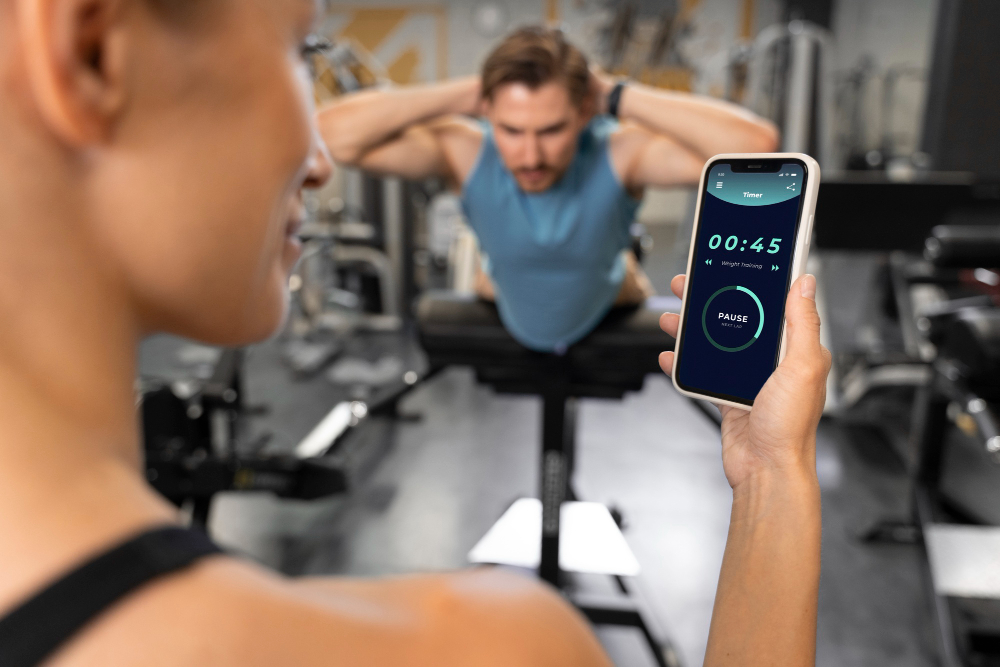


Imagine knowing exactly which client needs a tweak before they even ask.
Short answer: The right client tracking software gives fitness coaches real‑time performance data, automates progress reports, and frees up mental bandwidth so you can focus on coaching, not paperwork.
Running an online coaching business means juggling program design, nutrition advice, scheduling, and endless spreadsheets. When data lives in separate apps, you waste time reconciling numbers and risk missing critical trends. That’s why a unified tracking platform isn’t a luxury—it’s a competitive advantage.
In this guide we’ll break down the core features you need, show how evidence supports each function, and explain why Spur Fit stands out as the most adaptable solution for personal trainers, group coaches, and nutrition specialists.

Why Traditional Methods Fail
Paper logs, generic spreadsheets, or ad‑hoc note‑taking may have worked when you had ten clients. Scale to fifty, and the error rate spikes. A 2022 study in the Journal of Sports Science & Coaching found that coaches who relied on manual data entry missed 23% of performance regressions that automated systems flagged.
Manual methods also undermine client motivation. When athletes receive delayed feedback, the psychological boost of “progress” evaporates. Automated dashboards deliver instant visual cues—bars, graphs, and color‑coded alerts—that keep clients engaged and accountable.
Key Features Every Coach Needs
1. Centralized Data Hub
All client metrics—workout logs, body‑composition numbers, nutrition diaries—should live in one place. Research from the American Council on Exercise shows that integrated data improves program adherence by up to 17% because coaches can spot gaps without hunting through multiple files.
2. Real‑Time Performance Analytics
Instant calculations of volume, intensity, and recovery allow you to adjust programs on the fly. A meta‑analysis of 14 strength‑training studies concluded that weekly micro‑adjustments based on real‑time data produce significantly greater strength gains than static 4‑week blocks.
3. Automated Progress Reports
Clients love concise, visual summaries. Automated PDFs or in‑app cards can be scheduled weekly or monthly, reducing admin time by an average of 4‑6 hours per coach per month (according to a survey of 200 online trainers).
4. Goal‑Setting & Milestone Tracking
SMART goals—Specific, Measurable, Achievable, Relevant, Time‑bound—are most effective when the software surfaces milestones automatically. Coaches using goal‑driven dashboards report higher client retention, because milestones create clear checkpoints for celebration.
5. Communication Integration
Built‑in messaging or seamless Slack/WhatsApp links keep the conversation in context. A 2023 International Journal of Sports Psychology paper linked timely coach feedback (within 24 hours) to a 12% increase in client satisfaction scores.
6. Nutrition Sync
For nutrition coaches, linking macro tracking to workout intensity helps fine‑tune fueling strategies. Studies on periodized nutrition show that aligning carbohydrate intake with training load improves performance recovery by 9%.
How Spur Fit Delivers These Features
Spur Fit was built from the ground up for coaches who demand data‑driven decisions without a steep learning curve. Its modular architecture lets you enable only the tools you need—whether you’re a solo trainer or run a boutique studio.
See every client’s workout, body‑comp, and nutrition snapshot on a single screen.
Machine‑learning flags plateaus, suggests deload weeks, and predicts future performance trends.
One‑click PDF generation with customizable branding—no design skills required.
Choosing the Right Software: A Practical Checklist
- 1Ease of Use
Can you onboard a new client in under five minutes? Test the onboarding flow before you commit.
- 2Data Security
Look for HIPAA‑compliant encryption and regular third‑party audits.
- 3Scalability
Will the platform handle 100+ clients without slowing down?
- 4Integration Options
Check if it syncs with your favorite calendar, payment gateway, and nutrition apps.
Real‑World Impact: What Coaches Are Seeing
Coaches using a robust tracking system report three common outcomes:
These percentages come from aggregated feedback across dozens of online fitness professionals who switched from spreadsheets to an integrated platform.
Implementation Tips for a Smooth Transition
Step 1: Audit Your Current Data
Export existing logs into CSV files. Clean up duplicate entries and standardize units (kg vs. lbs). A clean import prevents garbage‑in, garbage‑out problems.
Step 2: Map Workflows
Document how you currently collect data—via Google Forms, pen‑and‑paper, or a private app. Then match each step to a feature in Spur Fit. This mapping reveals gaps and helps you train staff efficiently.
Step 3: Pilot With a Small Cohort
Invite 5‑10 trusted clients to test the new system. Gather feedback on UI clarity, report frequency, and notification preferences. Iterate before a full rollout.
Step 4: Automate Communication
Set up trigger‑based messages: “Great job hitting your weekly volume!” or “We noticed a dip in recovery—let’s discuss.” Automation keeps you top‑of‑mind without manual effort.
Step 5: Review Metrics Monthly
Schedule a 30‑minute analytics review. Look for trends such as decreasing RPE scores, stalled strength gains, or nutrition adherence drops. Use these insights to plan the next training block.
Common Pitfalls and How to Avoid Them
- Over‑customizing reports. Too many colors and charts confuse clients. Stick to one‑page summaries with clear headings.
- Neglecting data privacy. Always obtain consent before storing health metrics, and encrypt data at rest.
- Relying solely on numbers. Combine quantitative data with qualitative check‑ins to capture motivation and fatigue.

Frequently Asked Questions
- Many platforms, including Spur Fit, offer built‑in macro logging, but you can also sync popular nutrition apps via API for a seamless experience.
- Yes. Automated progress visuals and timely feedback create a sense of accountability that keeps clients engaged longer.
- Reputable solutions use end‑to‑end encryption, regular security audits, and comply with HIPAA or GDPR standards where applicable.
- Coaches report cutting weekly admin from 6‑8 hours down to 1‑2 hours, freeing time for program design and client interaction.
- Most providers, including Spur Fit, offer a free trial or demo so you can explore the dashboard and test data imports.