
Stop paying for bloated software and let AI do the heavy lifting for your client programs.
Short answer: Free AI workout generators use machine‑learning algorithms to create personalized, adaptable training plans at no cost, letting fitness coaches reallocate budget toward client acquisition, education, and equipment.
For independent trainers, boutique gym owners, and online coaches, the biggest expense after rent is often the subscription to a premium program‑design platform. Those tools promise customization, but they also demand monthly fees that add up quickly. When you’re juggling client sessions, marketing, and continuing education, every dollar counts.
Enter the new generation of **free AI‑powered workout generators**. Built on open‑source models and cloud‑based inference, they can analyze a client’s goals, fitness level, equipment access, and even injury history to output a complete weekly program in seconds. The result is a professionally structured plan without the licensing cost.

Why Free AI Generators Are Worth Your Attention
Research from the American Council on Exercise (ACE) confirms that individualized programming improves adherence by up to 30 % and reduces injury risk. Traditional software achieves this through costly licensing and proprietary databases. Free AI tools achieve comparable outcomes by leveraging publicly available exercise libraries and continuously learning from user feedback.
Beyond the numbers, free AI generators free up mental bandwidth. Instead of manually selecting each movement, coaches can focus on coaching cues, nutrition guidance, and business development.
Key Features to Expect From a Quality Free AI Generator
1. Goal‑Based Programming
Whether a client wants to lose fat, build strength, or improve mobility, the algorithm maps the desired outcome to evidence‑based training variables—sets, reps, intensity, and progression schemes.
2. Equipment Awareness
Most free tools let you specify available gear (dumbbells, bands, kettlebells, bodyweight only). The AI then curates exercises that fit the client’s environment, eliminating the need for manual substitution.
3. Adaptive Progression
After each workout, coaches can input performance metrics (e.g., RPE, weight lifted, reps completed). The AI recalibrates the next session, ensuring progressive overload without overtraining.
4. Built‑In Exercise Library
A robust library includes video demos, cue points, and common modifications. This visual aid is essential for remote coaching, where you can’t physically correct form.
Top Free AI Workout Generators for Professionals
Spur Fit
Spur Fit combines a massive exercise database with a conversational AI that drafts programs in plain language. Coaches can tweak variables on the fly and export printable PDFs for client use.
AI Workout Buddy
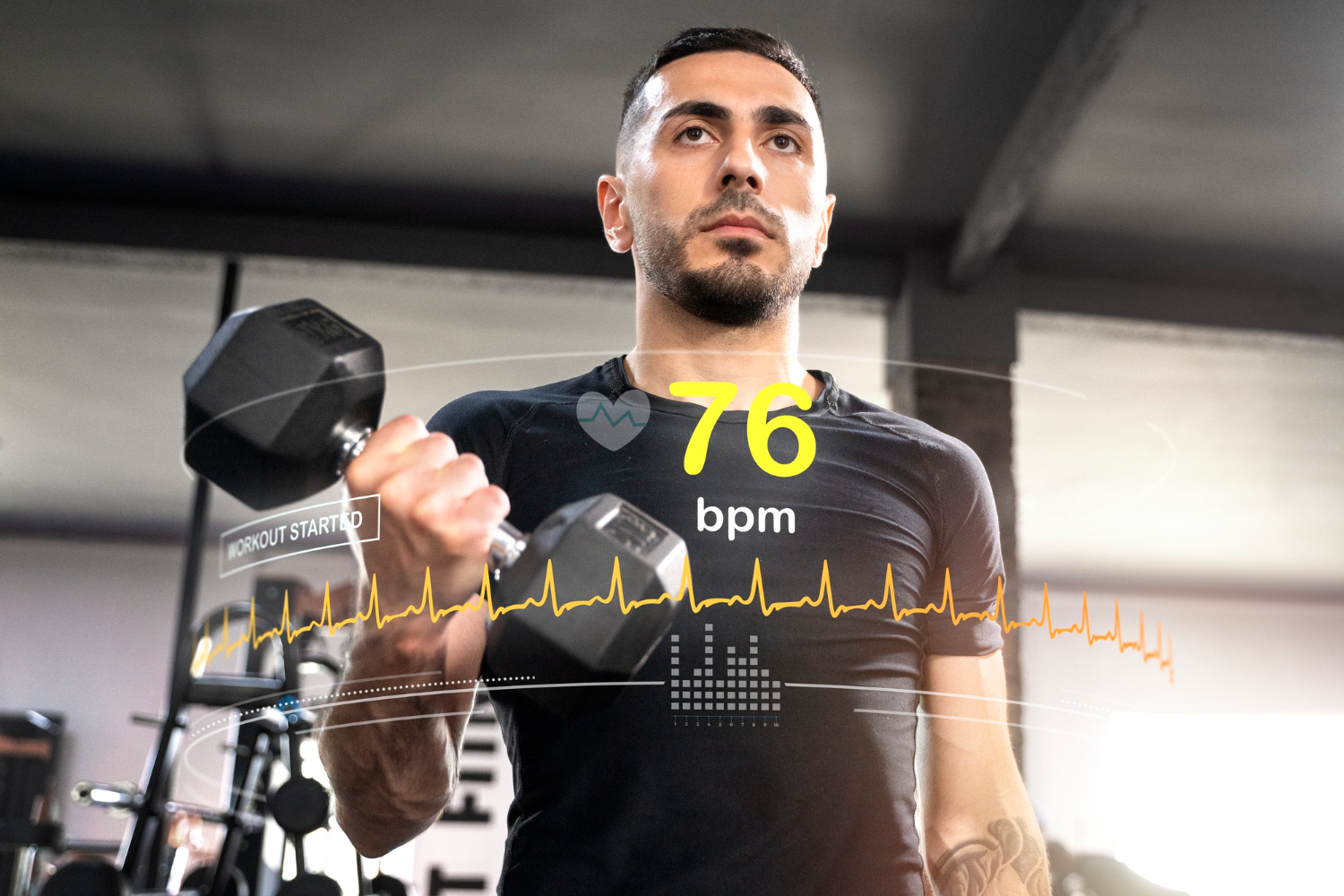
Known for its clean dashboard, AI Workout Buddy syncs with popular wearables and automatically adjusts intensity based on heart‑rate trends.
FitBot
FitBot excels at inclusivity, offering adaptive routines for beginners, seniors, and athletes alike, with options for HIIT, strength, and yoga.
TrainAI
TrainAI specializes in sport‑specific programming, generating periodized plans for runners, cyclists, and combat athletes.
Flex Fit
Flex Fit provides a simple template system that lets coaches drop in custom notes, making it ideal for hybrid online‑in‑person models.
How to Integrate a Free AI Generator Into Your Workflow
- 1Collect Baseline Data
Use a digital intake form to capture goals, injuries, equipment, and preferred training days. Most AI tools can import CSV or connect via API.
- 2Generate the First Program
Enter the client’s profile and let the AI produce a 4‑week plan. Review for any necessary coach‑specific tweaks, such as adding cue sheets.
- 3Deliver and Track
Export the plan as a PDF or share a live link. After each session, record RPE or completed reps; the AI will auto‑adjust the next workout.
- 4Iterate Monthly
At the end of each mesocycle, run a brief reassessment. Feed the new metrics back into the AI to refresh the program.
Potential Pitfalls and How to Avoid Them
Free tools are powerful, but they are not a substitute for professional judgment. Common issues include:
- Over‑reliance on defaults: Always verify that exercise selections respect client limitations.
- Data privacy: Choose platforms that comply with GDPR or local regulations, especially when handling health information.
- Lack of branding: Exported PDFs may lack your logo; add a custom header to maintain brand consistency.
By treating the AI as a collaborative partner rather than an autonomous coach, you retain control while enjoying efficiency gains.

Frequently Asked Questions
- Yes. Most platforms allow you to create separate client profiles and generate individualized programs in bulk, saving you minutes per client.
- Integration varies, but many offer Zapier connections or native calendar sync so workouts appear automatically on your booking system.
- When fed accurate performance data, the algorithms follow evidence‑based progression models (e.g., linear periodization), which are comparable to manual programming.
- Look for platforms that encrypt data at rest and in transit, and that provide clear privacy policies. Avoid tools that require unnecessary personal identifiers.
- Most generators let you add a logo, change colors, and include custom notes, ensuring the final document matches your brand identity.