
Ready to turn bland workout clips into high‑energy, results‑driving experiences?
Short answer: Effective video workouts blend scientific programming, visual storytelling, and scalable production; by defining your audience, structuring sessions with progressive overload, using cue‑rich filming, and leveraging tools like Spur Fit, you can create electrifying content that keeps clients coming back.
Online fitness coaches are under pressure to deliver fresh, personalized content at a pace that rivals TikTok trends. Yet many fall into the trap of recycling generic routines that fail to engage or progress clients. The good news? With a systematic approach grounded in exercise science and production best practices, you can craft video workouts that are both effective and electrifying—without spending weeks in a studio.
In this guide we’ll break down the entire workflow: from audience analysis and program design, through filming techniques that boost perceived intensity, to post‑production tricks that turn a simple squat demo into a motivational spark. Along the way we’ll highlight where Spur Fit can shave hours off your prep time, give you instant access to a vetted exercise library, and ensure every rep is captured with crystal‑clear form cues.

1. Understand the Viewer Before You Press Record
Define the client persona
Effective video workouts start with a clear picture of who will be watching. Ask yourself:
- 1Fitness level
Beginners need longer transition times and explicit cueing; advanced athletes respond better to shorter rest intervals and complex movement patterns.
- 2Goal orientation
Weight loss, strength gain, mobility, or sport‑specific conditioning each demand different volume, intensity, and exercise selection.
- 3Environment constraints
Do they work out in a living‑room, garage, or commercial studio? Choose equipment that matches their space.
Coaches using this approach report higher completion rates because clients feel the program was built for them, not for a generic audience.
Map the training variables
Once the persona is set, outline the core variables: frequency, duration, intensity, and progression. Research from the ACSM confirms that a minimum of 150 minutes of moderate‑intensity aerobic work plus two strength sessions per week yields measurable health benefits. Translate those numbers into a video series—e.g., three 30‑minute HIIT videos plus two 20‑minute strength‑focused clips per week.
2. Structure the Workout for Maximum Adaptation
Use a proven template
Consistency helps viewers anticipate pacing, which reduces cognitive load and improves performance. A reliable template looks like:
- 1Warm‑up (5‑7 min)
Dynamic movements that raise heart rate and prime joints.
- 2Main set (20‑25 min)
Alternating strength and cardio blocks, each with a clear work‑rest ratio (e.g., 40 s on/20 s off).
- 3Cool‑down (3‑5 min)
Static stretches or breath work to aid recovery.
Embedding progressive overload—adding a rep, a weight, or a faster tempo each week—keeps the stimulus novel and drives results.
Integrate variety without sacrificing focus
Research on motor learning shows that varying movement patterns (e.g., squat variations, unilateral presses) improves neural adaptation while preventing monotony. However, too much variety can dilute the training effect. Limit the number of new exercises per session to three, and rotate them across weeks.
3. Capture Form and Energy on Camera
Invest in high‑quality visual basics
Even a smartphone can produce professional‑grade footage if you follow three rules:
- Lighting: Soft, diffused light (natural window light or a 3‑point LED kit) eliminates shadows that obscure joint angles.
- Stability: Use a tripod or gimbal; shaky footage distracts and makes cueing harder.
- Audio clarity: A lapel mic captures your verbal cues without background noise.
Clear visuals are essential because studies show that visual feedback improves technique retention by up to 30%.
Layer cues strategically
Combine three cue types:
- Visual: Slow‑motion replays of critical positions.
- Verbal: Concise, action‑oriented language (“push through the heel”).
- Graphic: On‑screen timers, rep counters, and muscle‑highlight icons.
Spur Fit’s built‑in cue library lets you drop these elements into the edit timeline with a single click, ensuring consistency across all videos.
Film multiple angles for safety
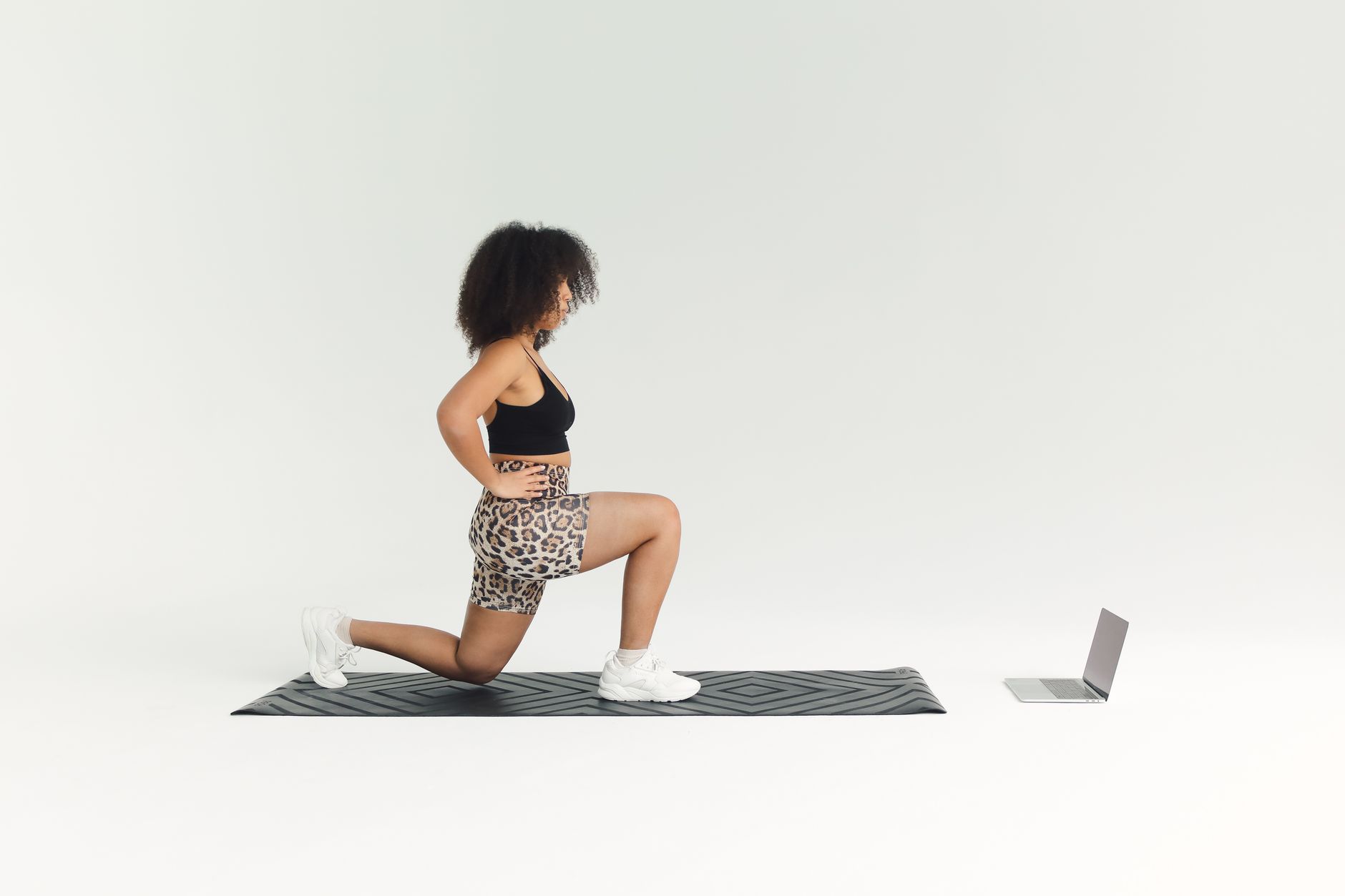
Front, side, and 45‑degree views reveal common form errors (e.g., knee valgus during lunges). When you edit, switch angles at the moment the cue is spoken—this reinforces the correction visually.
4. Edit for Engagement, Not Just Clarity
Use tempo‑driven music
Music with a beats‑per‑minute (BPM) range that matches the work interval (e.g., 130‑150 BPM for high‑intensity circuits) boosts perceived exertion and adherence. Sync the beat to the start of each set to create a rhythmic cue that athletes subconsciously follow.
Insert micro‑challenges
Every 4‑6 minutes, add a “beat‑the‑clock” sprint or a plyometric burst. These mini‑challenges increase heart‑rate variability, which research links to higher post‑exercise calorie burn.
Brand consistency
Overlay your logo, color palette, and a short intro tagline (“Train smarter with Spur Fit”) to build brand recall. Consistent branding also signals professionalism, which influences client trust.
5. Leverage Technology to Scale Production
Creating 10‑plus videos a month can feel impossible. Here’s where Spur Fit shines:
With drag‑and‑drop sequencing, you can assemble a full workout in minutes, then export in multiple formats for Instagram, YouTube, or your client portal.
Automation tips
- Pre‑write cue scripts in a spreadsheet and import them directly into Spur Fit’s cue manager.
- Use the AI‑generated thumbnail feature to create eye‑catching covers that improve click‑through rates.
- Schedule batch uploads to your LMS so new content goes live automatically each Monday.
6. Test, Iterate, and Keep the Spark Alive
Data‑driven iteration is the secret sauce of top‑performing coaches. Track these metrics:
| Metric | Why it matters | Target |
|---|---|---|
| Completion rate | Indicates engagement | >70% |
| Average watch time | Shows whether pacing is right | 80% of video length |
| Form‑error reports | Feedback on cue clarity | Decrease week over week |
Collect feedback via post‑session polls and adjust cue density, music tempo, or exercise selection accordingly. Small tweaks—like adding a 2‑second pause before a challenging move—can lift completion rates by several points.
Frequently Asked Questions
- High‑quality smartphones paired with affordable lighting kits and a lapel mic can produce studio‑grade footage. The key is consistent lighting, stable framing, and clear audio; you can upgrade equipment over time.
- Aim for at least three fresh workouts per week to keep algorithms happy and clients engaged. Repurposing core templates with different exercises can reduce production time.
- Film both the standard version and a scaled‑down version (e.g., full push‑up vs. knee push‑up). Use on‑screen graphics to label each option, allowing viewers to self‑select.
- Only royalty‑free or properly licensed tracks should be used. Many platforms offer libraries of safe‑to‑use music; alternatively, use tempo‑matched beats without melody.
- Spur Fit’s exercise database includes built‑in safety cues and form checkpoints. You can tag each clip with risk level, ensuring beginners only see low‑impact options.